
Turn a photo into a custom, printable object — 9 object types to choose from.
Upload a photo, spend a few generation credits to preview a concept, then build the real 3D-printable model if you like it. Keychain, Fridge Magnet, Figure, Vinyl Figure, Brick Figure, Lamp, Keycap, Collapsible Fidget, and Fidget Pixel are all live.
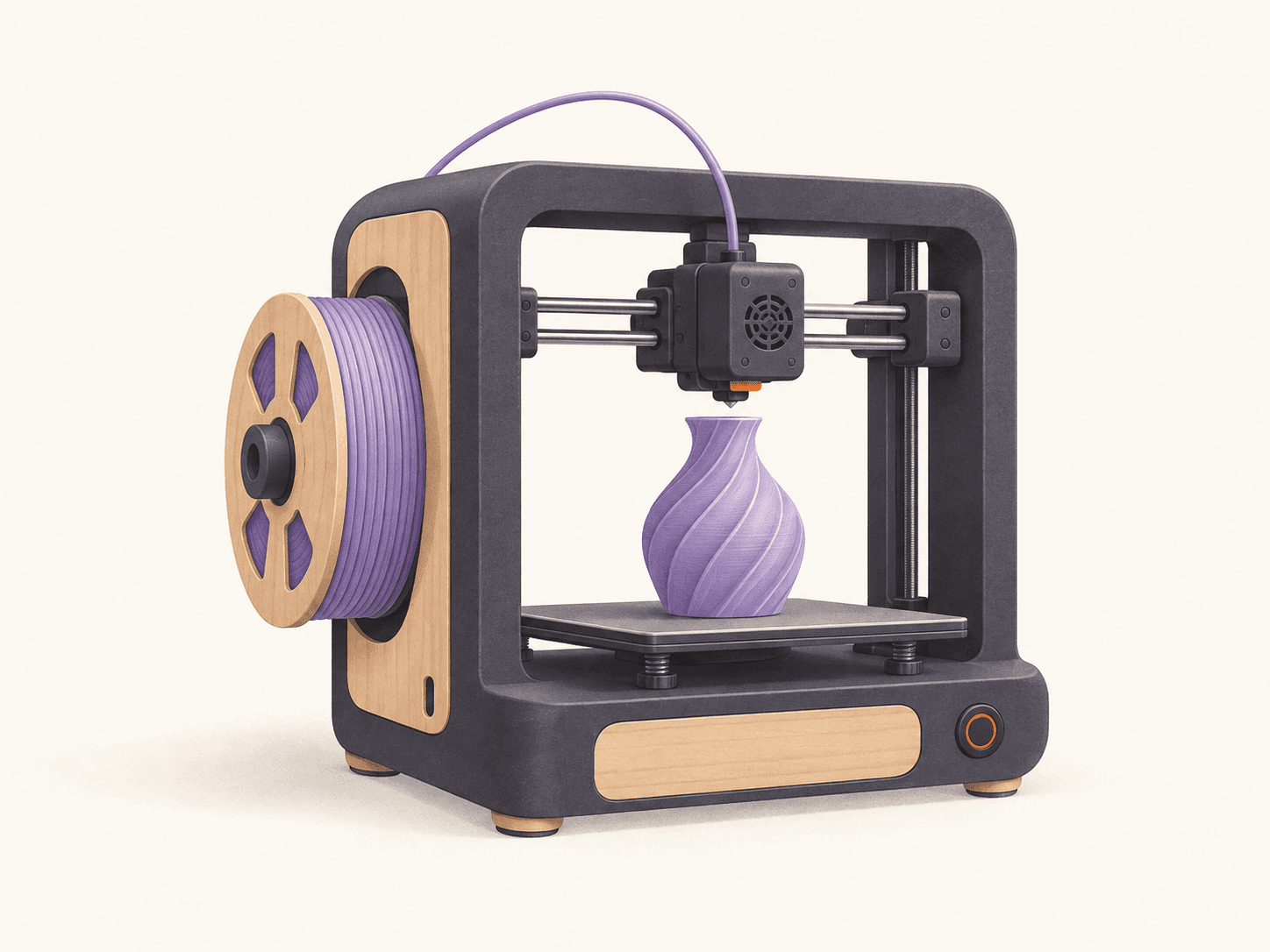
What people creative lab with us
Illustrative examples of what's possible. See real past work.
What's live now
All 9 Creative Lab object types generate real models today.
What to prepare
A clear photo
One photo of the subject — a pet, a person, or an object — works best with good lighting and a plain-ish background.
Sign in required
Generation spends real, accountable credits, so you'll need an account before you can generate anything.
Pick an object type first
Each object type has its own options (e.g. engraving text for Keychain, a required type for Fidget Pixel) — the generator form only shows what applies.
Review & order process
Generate a concept
Upload your photo and spend a small number of credits to preview a concept (Collapsible Fidget generates the finished model directly, with no separate concept step).
Build the model
Like the concept? Choose your object type's options, then spend more credits to build the real 3D-printable file.
Send to print
Your built model goes straight into our ordinary print pipeline — reviewed by an engineer before you pay for anything (Keycap isn't wired into this step yet — download instead).
Good to know before you upload.
What are generation credits?
The same prepaid credit balance used for photo-to-figurine generation — one balance, spendable on either feature.
Do I pay for printing separately from generation credits?
Yes — credits only pay for generating the concept and the 3D model. Printing goes through our normal upload → engineering review → quote → pay flow, same as any other order.
Why can't I send a Keycap straight to print?
Keycaps generate and download fine, but we haven't confirmed their file format works with our print pipeline yet — support is coming.
Ready to get started with creative lab?
Pick an object type, generate a concept for a few credits, then build and send it straight to print.